
A beginner's guide to workflow automation for small businesses
Workflow automation means the handoffs in your business happen without someone remembering to do them. A form arrives, the right record is created, the right person is told, and the follow-up is scheduled — every time.
 By Saleem Ahmed · · 9 min read
Last updated:
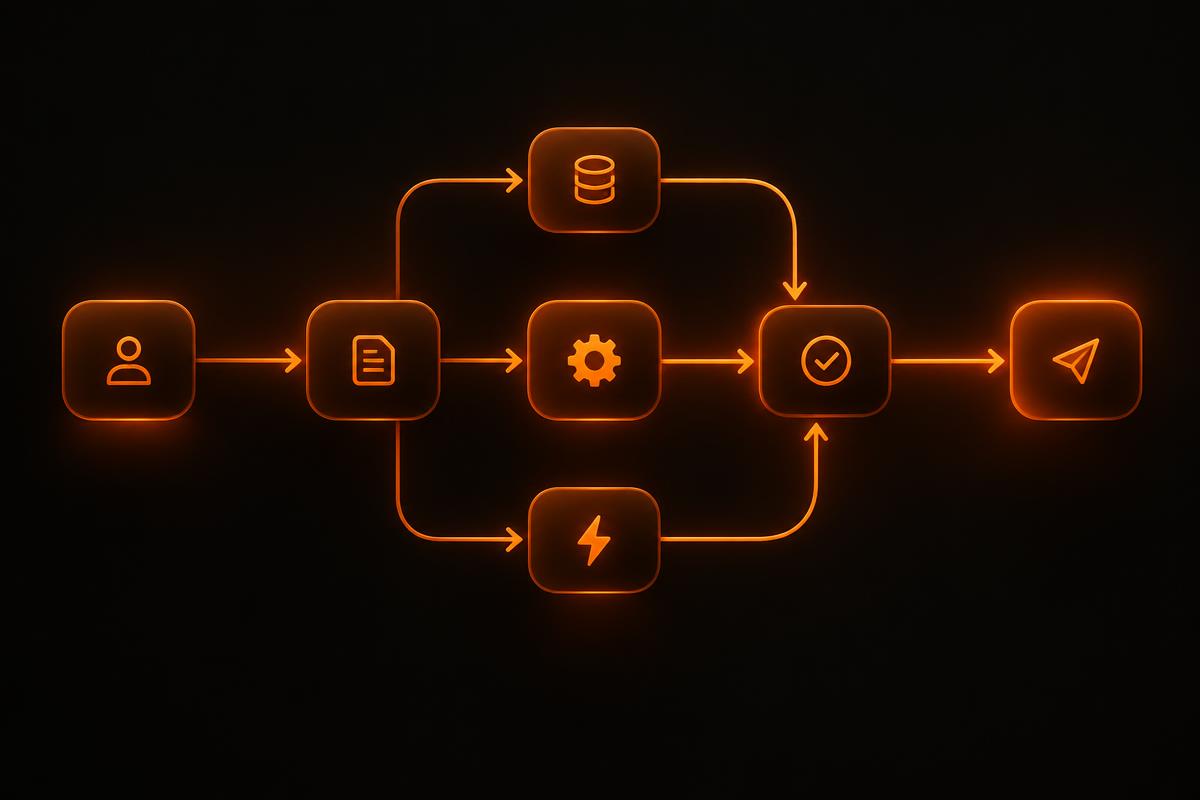
The three parts of any automation
- A trigger: a form submission, an email, a payment, a date.
- Steps: create, update, calculate, notify, file.
- Rules: what happens when something is missing or unusual.
Good first candidates
Enquiry handling, quote follow-ups, onboarding checklists, invoice reminders and weekly reporting are common starting points because the steps are already agreed and the volume is steady.
How to avoid a fragile setup
Most automation breaks quietly. Design for that: log every run, notify a person when a step fails, and never let a failure disappear silently.
- Keep one process per automation so faults are easy to find.
- Handle the exceptions explicitly rather than hoping they do not happen.
- Document what it does and who owns it.
Knowing when to stop
Automate the repeatable middle of a process and leave the unusual cases to people. Chasing the last few edge cases usually costs more than doing them by hand.
Mapping a workflow before you automate it
Take one process and draw it on a single page. Start with the trigger, list each step in order, note who does it and which system they use, and mark every decision point. Keep it simple: boxes and arrows on paper are fine.
This map almost always reveals steps that can be removed entirely. Removing a step is cheaper and more reliable than automating it, so simplify first and automate second.
- What starts the process?
- What information is needed at each step?
- Who decides, and on what basis?
- What happens when something is missing or wrong?
- What does 'done' look like?
Choosing the right kind of tool
No-code integration platforms are a good fit for straightforward connections between popular apps, such as sending form submissions to a CRM and a spreadsheet. They are quick to set up and affordable at low volumes, but costs and complexity can grow as workflows multiply.
Custom-built automations make sense when workflows involve your own systems, sensitive data, complex rules or high volumes. They cost more up front but give you more control, better error handling and predictable running costs.
Many businesses use both: no-code for simple, low-risk connections and custom code for the processes the business depends on.
Keeping automations healthy after launch
Automations fail quietly. An app changes its login, a field is renamed or a supplier updates their API, and suddenly enquiries stop arriving. Build in alerts so the right person is told when something fails, and keep a simple register of every automation, what it does and who owns it.
Review the register every quarter. Remove automations nobody uses, update ones whose process has changed and look for the next candidate to improve.
About the author
Saleem Ahmed, Director of CodeCue Technologies
With an MSc in Project Management and degrees in Computer Science, Saleem has led a 40+ person in-house team delivering software, mobile and AI projects for international clients since 2018.
View profile